Your Home Lab Doesn't Need Kubernetes (But Here's Exactly When It Does)
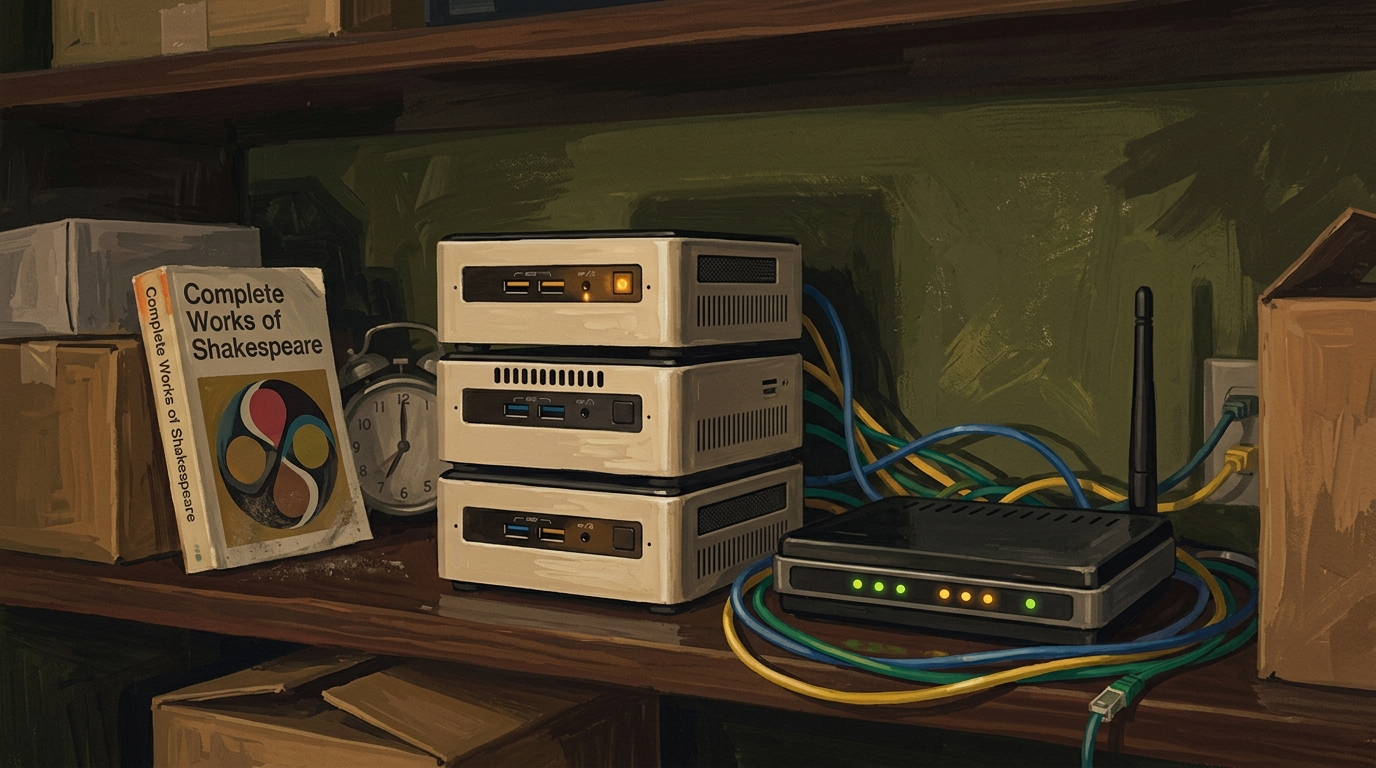
Somewhere in a spare bedroom in the Home Counties, three second-hand mini PCs are humming away on a shelf, drawing forty watts between them and running a control plane sophisticated enough to orchestrate a small bank. On that control plane: Pi-hole, a Plex server, and a Syncthing instance that talks to a laptop two metres away. The owner spent a fortnight getting MetalLB and an ingress controller to cooperate. The DNS still goes down when he reboots the wrong node.
I have a great deal of sympathy for this person, because at various points I have been this person. The home lab is where we go to play with the tools we are not yet trusted with at work, and there is nothing wrong with running Kubernetes at home for the sole and honest reason that you want to learn Kubernetes. That is a perfectly good reason. The problem is the other reason — the one nobody quite says aloud — which is that the internet has spent a decade implying that anything less than a cluster is somehow not real infrastructure. So people reach for k3s to run a DNS resolver, and then spend their evenings operating a distributed system instead of using the services it was meant to host.
This piece is about where the line actually sits. Not the line the conference talks draw, but the one your spare room draws when you have to fix it at eleven at night.
What Kubernetes Actually Buys You, and What It Charges
Strip away the marketing and Kubernetes sells one thing: it keeps a declared state true across a fleet of machines that are individually expected to fail. You say "I want three replicas of this thing spread across nodes, reachable behind a stable address, and I want them to come back if a node dies." Kubernetes makes that true and keeps it true. That is genuinely hard to build yourself, and Kubernetes does it well.
Everything else — the API, the controllers, the scheduler, the networking model — exists to serve that one promise across many machines and many teams. It is a reconciliation engine with a planet-sized accessory market.
The charge for this is not the install. k3s installs in about a minute and that minute is the cheapest one you will spend. The charge is everything afterwards. You now have an overlay network with its own failure modes, a control plane with its own resource appetite, a storage abstraction that turns "where is my file" into a genuine question, an ingress layer, a certificate lifecycle, and a steady drip of CVEs in components you have never knowingly used. None of this is unreasonable when you are running a fleet. All of it is overhead you pay every month whether or not you are using the capability it unlocks.
That last point is the one people miss. Complexity is not a one-off cost you pay at setup and then own forever. It is a subscription. You pay it in every debugging session, every upgrade, every "why can't this pod resolve DNS" evening that turns into a tour of CoreDNS configuration you did not ask to take. The question is never "can I run Kubernetes at home" — of course you can — but "am I getting a fleet's worth of value for a fleet's worth of operational tax." For Pi-hole and Plex, you are not.
So before the cluster, three tiers. Most home labs never need to leave them.
Tier 0 — A Single systemd Service, Underrated
Here is the unfashionable truth. A great many of the things people containerise have no business being in a container at all. Pi-hole, Tailscale, a Caddy reverse proxy, a Prometheus node exporter, a backup script — these are long-running processes, and Linux has had an excellent supervisor for long-running processes since roughly 2010. It restarts them when they die. It starts them in dependency order. It captures their logs, manages their resource limits, and gives you a uniform way to ask "is this running" that works identically across every service on the box.
A unit file is a dozen lines. It has no daemon between you and the kernel, no image to pull, no layer cache to corrupt, and no networking model beyond the one your machine already has. When something breaks, the entire surface area you must reason about is the binary and the unit. That is a property worth more than it sounds at three in the morning.
The instinct to containerise everything is partly cultural and partly a real problem with a wrong solution — the real problem being dependency hell, the wrong solution being "wrap every single thing in its own operating system." If a service ships a static binary or installs cleanly from your distribution's repository, a systemd unit is very often the correct and complete answer. I run more of my own infrastructure this way than I would have admitted to a decade ago, when I was younger and believed the diagrams.
Tier 1 — Podman Quadlets, Declarative Containers Without the Daemon
Some things genuinely want to be containers. The packaging is the only sane distribution method, the upstream only ships an image, or you simply want the isolation. Fine. The reflex here is Docker, and for a one-off it is fine, but for anything you intend to run and forget there is a better answer that most home-labbers have not yet met: Podman quadlets.
A quadlet is a .container file — systemd-native, declarative, daemonless. You describe the container you want, drop the file in the right directory, and systemd generates a real service unit from it at boot. The container is now a first-class systemd citizen: same systemctl status, same journald logs, same dependency ordering, same restart semantics as everything else on the box. There is no long-running daemon owning your containers as a single point of failure, and rootless operation is the default rather than a special-interest mode you enable nervously.
A minimal unit for, say, a Pi-hole instance:
# ~/.config/containers/systemd/pihole.container
[Unit]
Description=Pi-hole DNS
After=network-online.target
Wants=network-online.target

[Container]
Image=docker.io/pihole/pihole:latest
ContainerName=pihole
PublishPort=53:53/tcp
PublishPort=53:53/udp
PublishPort=8080:80/tcp
Volume=%h/pihole/etc-pihole:/etc/pihole:Z
Environment=TZ=Europe/London
AutoUpdate=registry

[Service]
Restart=always

[Install]
WantedBy=default.target
Run systemctl --user daemon-reload, start it, and you have a declarative, version-controllable, auto-updating container that behaves exactly like every other service on the machine. Put the file in Git and your infrastructure is now reproducible in the only sense that matters at home: you can rebuild the box from a text file. That AutoUpdate=registry line, paired with the podman-auto-update timer, gives you unattended image updates — which is either a feature or a way to wake up to a broken Plex, depending on how much you trust upstream tagging. I pin the important ones.
This tier covers an enormous amount of ground. Single-host, declarative, daemonless, reproducible, and operable with the systemd knowledge you already have. For a lot of home labs, this is the final destination and they would be entirely right to stop here.
Tier 2 — Compose, When You Have a Stack Not a Fleet
There is a category of thing that is not one service but a small huddle of them that only make sense together. A monitoring stack — Prometheus, Grafana, an exporter or two, perhaps Loki. A media setup with the *arr applications, a download client, and a reverse proxy in front. The unit of deployment is the group; you bring them up and down together, and they need to find each other on a shared network.
This is what Compose is for, and it is genuinely good at it. One YAML file describes the whole stack, the relationships between services, the shared network, the named volumes, the dependency ordering. docker compose up -d and the huddle stands up as one. It is the right tool the moment the unit of thought becomes "the stack" rather than "the service," and it remains the right tool for a long while after.
The honest caveat is that Compose is single-host. It has no answer for a machine dying, no scheduling across nodes, no self-healing beyond restarting a container on the same box that just fell over. For a home lab this is very often a non-problem — your one decent machine is your one decent machine, and if it dies you have a hardware problem that no orchestrator was going to fix anyway. (Podman speaks Compose too, if you would rather not run the Docker daemon; the file is broadly portable, with the usual asterisks.) Compose is where most people should stop, and where the genuinely curious start eyeing the cluster. So let us be precise about when that eyeing is justified.
The Four Signals You've Genuinely Outgrown the Above
You have not outgrown a single host because your YAML is getting long. You have outgrown it when one or more of these is true, and they are specific.
You have more than one machine that must act as one pool. Not "two machines" — two machines running separate things is just two machines, and two Compose files serve that perfectly. The signal is that you have workloads which must be schedulable across a set of nodes as a single resource pool, where it should not matter which box a given service lands on. That is the actual thing Kubernetes does, and nothing below it does it at all.
You require a service to survive a host failure automatically, unattended, while you are asleep. Genuinely require it — because something depends on it that you cannot manually nurse back at 3 a.m. Most home services do not clear this bar; your Plex server being down for an hour is an inconvenience, not an incident. But if you are running something for other people, or something with a hard uptime expectation, automatic rescheduling onto a healthy node is a capability only an orchestrator gives you.
Your service count has crossed from "I know them all" to "I keep a list." There is a phase transition, somewhere around fifteen to twenty services, where managing individual units stops scaling in your head. You start wanting label selectors, namespaces, a uniform way to roll out a change across many things at once. When you find yourself building that machinery by hand on top of Compose, you are reimplementing the cluster badly, and you should consider the one that already exists.
You actually need the API — for automation, GitOps, or operators that only exist for Kubernetes. Some software now ships only as a Kubernetes operator. If the thing you want to run assumes a control plane, that is a real and sufficient reason, and there is no point pretending a quadlet will do.
One of these, honestly met, justifies the climb. Zero of them — and "it would be cool" is zero of them — means the cluster is a hobby in its own right, which is fine, as long as you are honest that the hobby is Kubernetes and not the things you are hosting on it.
A Migration Ladder You Climb One Rung at a Time
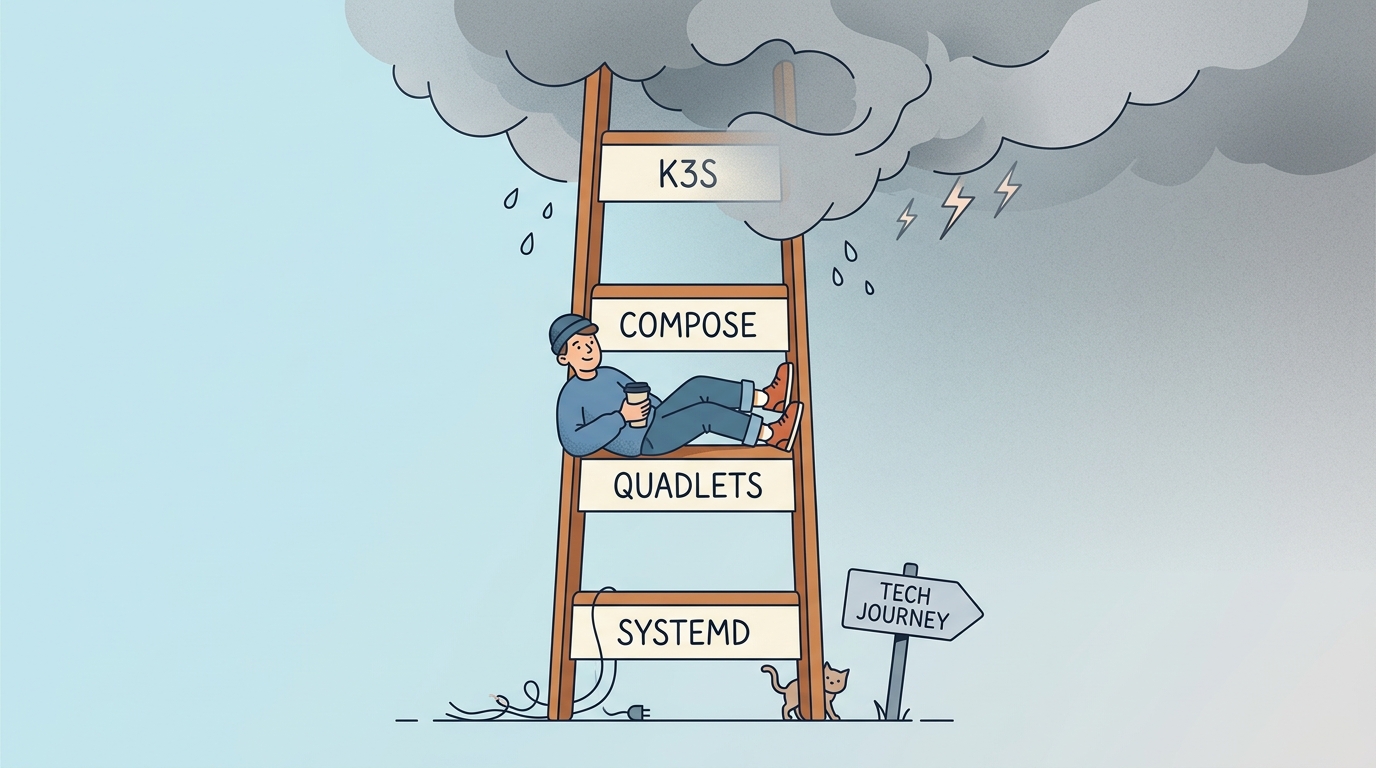
The mistake is treating this as a binary — bare metal or full cluster, with nothing in between — and leaping the whole gap the moment Compose feels tight. The tiers are a ladder, and the entire point of a ladder is that you climb it one rung at a time and stop on the rung that holds your weight.
flowchart TD
    A[New service to run] --> B{Long-running process<br/>or static binary?}
    B -->|Yes| C[Tier 0: systemd unit]
    B -->|No, needs a container| D{Part of a group that<br/>lives and dies together?}
    D -->|No, standalone| E[Tier 1: Podman quadlet]
    D -->|Yes, a stack| F[Tier 2: Compose]
    F --> G{Any of the four signals?}
    C --> G
    E --> G
    G -->|No| H[Stop. You are done.]
    G -->|Yes, honestly| I[Tier 3: k3s]
    I --> J{Still enjoying it?}
    J -->|No| K[You may climb back down.<br/>This is allowed.]
    J -->|Yes| L[Carry on, and good luck]
The properties stack as you climb, and so does the tax:
| Tier 0: systemd | Tier 1: Quadlets | Tier 2: Compose | Tier 3: k3s | |
|---|---|---|---|---|
| Unit of thought | The process | The container | The stack | The cluster |
| Hosts | One | One | One | Many |
| Self-healing | Restart on box | Restart on box | Restart on box | Reschedule across nodes |
| Declarative | Yes (unit file) | Yes (.container) |
Yes (YAML) | Yes (manifests) |
| Daemon | None | None | Docker (or none) | Control plane |
| Operational tax | Trivial | Low | Low–moderate | Ongoing and real |
| Reproducible from text | Yes | Yes | Yes | Yes, with effort |
| Right when | It's a process | It's a container | It's a stack | It's a fleet |
What the table does not capture is the direction of travel. Each rung is a superset of the operational knowledge below it — quadlets are systemd, Compose is containers with relationships, Kubernetes is all of it plus a reconciliation loop and a network you will eventually have to debug. Climb in order and each step costs you a little new knowledge against a lot of reused knowledge. Skip straight to the top and every layer below is now a thing you do not understand but are nonetheless responsible for. That is how you end up with a DNS server that requires a working overlay network to resolve the domain you need to fix the overlay network.
And the ladder goes both ways. I have decommissioned more home clusters than I have kept, every one of them migrated down to a couple of well-organised quadlets that do the same job and never page me. There is no shame in the descent. The shame, if there is any, is in carrying a fleet's worth of complexity to host a handful of services and calling it production.
Complexity Is a Cost You Pay Monthly
The decision was never really about Kubernetes. It is about matching the operational model to the actual shape of what you are running, and the actual shape of most home labs is a single capable machine hosting services that each, individually, want to keep running. systemd does that. Quadlets do that with containers. Compose does that for a stack. Each of them you can hold entirely in your head, rebuild from a file in Git, and fix in the time it takes the kettle to boil.
Kubernetes is a superb answer to a question most spare rooms are not asking. When your home lab genuinely starts asking it — a real pool of machines, a real need to survive failure unattended, a service count past what you can hold in your head, or software that ships no other way — the cluster will earn its keep, and you will know, because the pain it removes will be larger than the pain it adds. Until that day, the most senior move available to you is to run the boring thing that works and spend the saved evenings on something other than CoreDNS.
The forty watts can go towards Plex actually playing the film.